This Background Remover completely changed my listing workflow. I drop in a product photo and get a clean transparent PNG in seconds.

Alex G.
Social Media Manager
remover.im
Free online Background Remover for photos, products, and portraits. Upload an image or paste a URL to get a clean transparent cutout in seconds.
No image processed yet
Upload an image to remove its background

Step 1
Choose Upload File or paste an image URL. Supports PNG, JPG, and JPEG up to 10 MB.
Step 2
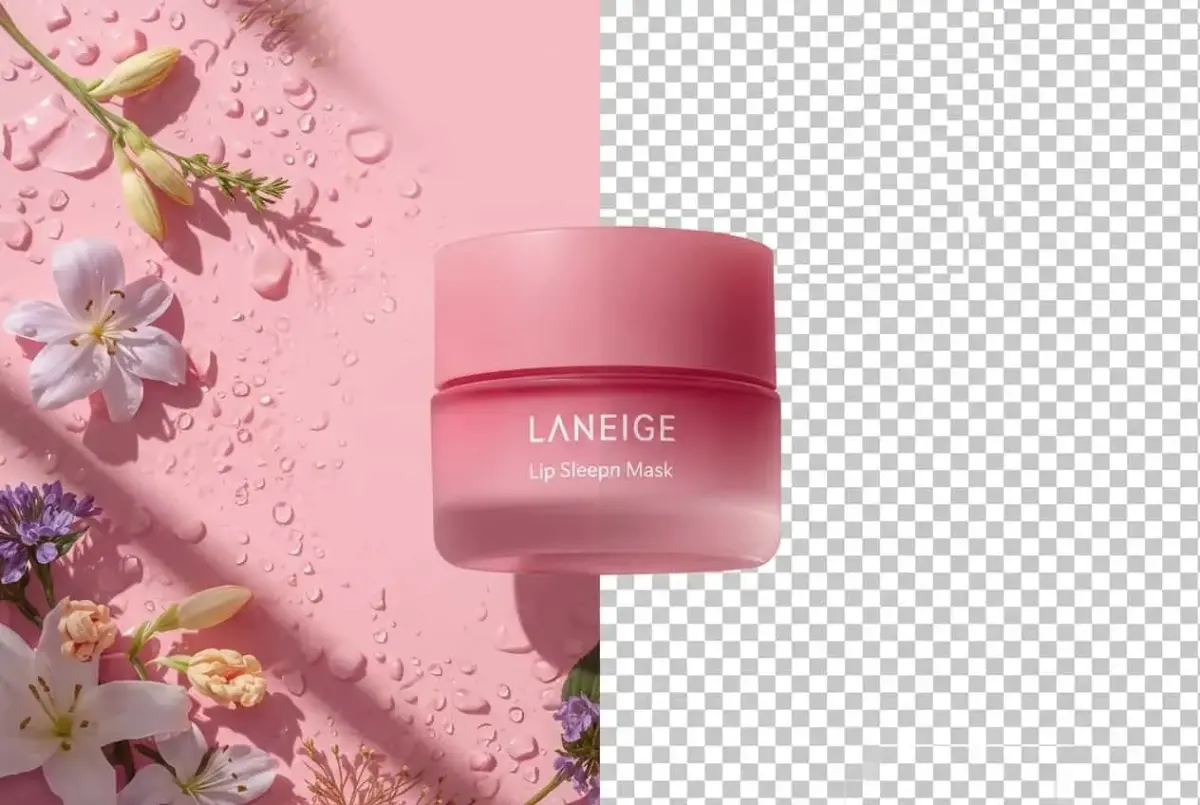
Click Remove Background and wait a few seconds while AI detects edges and removes the background.
Step 3
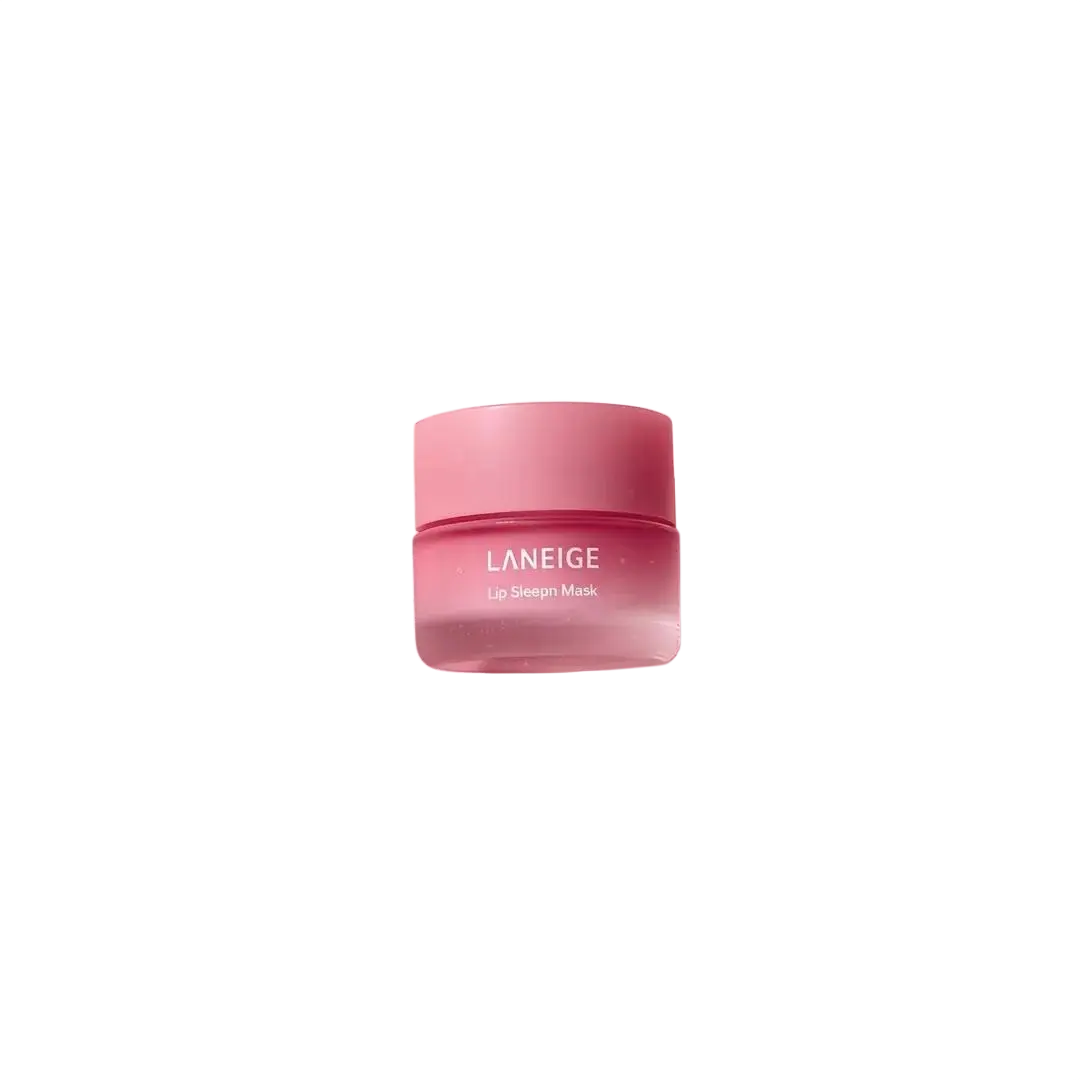
Check the transparent result on the checkerboard preview, then download your PNG.
A fast Background Remover helps you ship cleaner creatives without opening a design tool.
Clean product photos: Isolate products from busy scenes so listings, ads, and catalogs look sharp and consistent.
Faster creative workflows: Skip manual masking. Get a transparent PNG ready for banners, social posts, and slide decks.
Keep the subject sharp: Our Background Remover focuses on hair, edges, and fine detail so cutouts stay natural.
Ready for any layout: Drop the result onto new backgrounds, store templates, or brand colors without re-shooting.
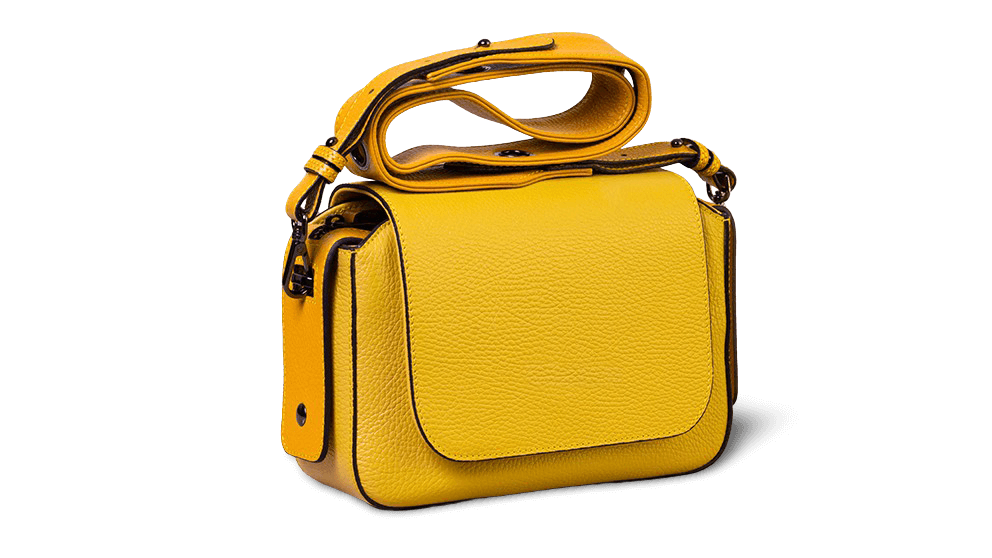
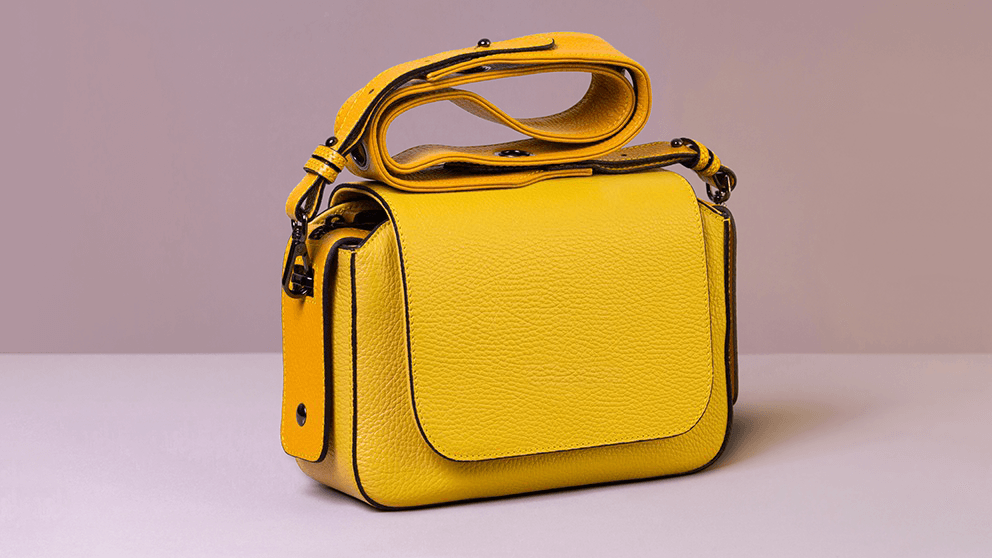
Remove image backgrounds online with a simple upload flow, clean edges, and download-ready transparent PNGs.
Upload a photo and remove the background in seconds — no Photoshop, no complicated masking tools.
Download a clean cutout with an alpha channel, ready for ecommerce, ads, presentations, and design tools.
Drop in a JPG, PNG, WebP, or GIF, or paste a public image link. Your Background Remover workflow stays flexible.
Preserve hair, soft edges, and product outlines so the subject looks natural on any new background.
Use it for portraits, product shots, logos, packaging, and lifestyle photos without changing your process.
Process what you need for the cutout and download the result. Your images are for your project, not for resale.
Create consistent white-space or transparent assets for marketplaces, landing pages, and campaign creatives.
Check the cutout on a checkerboard preview, then download when the Background Remover result looks right.
Run the Background Remover in the browser on phone or desktop — no install and no heavy desktop suite required.
See what ecommerce sellers, marketers, and designers say about this Background Remover.
This Background Remover completely changed my listing workflow. I drop in a product photo and get a clean transparent PNG in seconds.
Alex G.
Social Media Manager
Clean product cutouts without opening a heavy design tool. My catalog finally looks consistent.

Nina P.
Freelance Designer
The checkerboard preview makes it easy to check the cutout before I download. Saves me from redoing work.

Riley H.
Studio Assistant
This Background Remover completely changed my listing workflow. I drop in a product photo and get a clean transparent PNG in seconds.
Alex G.
Social Media Manager
Clean product cutouts without opening a heavy design tool. My catalog finally looks consistent.
Nina P.
Freelance Designer
The checkerboard preview makes it easy to check the cutout before I download. Saves me from redoing work.
Riley H.
Studio Assistant
I used to spend forever masking hair in Photoshop. The edges here look natural enough for campaign creatives.

Maya R.
Brand Designer
Hair and soft edges used to break every free tool I tried. This one keeps portraits looking sharp.

Chris K.
Content Creator
Simple enough for non-designers on our team, but the quality is good enough for client decks.

Priya D.
Marketing Lead
I used to spend forever masking hair in Photoshop. The edges here look natural enough for campaign creatives.
Maya R.
Brand Designer
Hair and soft edges used to break every free tool I tried. This one keeps portraits looking sharp.
Chris K.
Content Creator
Simple enough for non-designers on our team, but the quality is good enough for client decks.
Priya D.
Marketing Lead
Upload or paste a URL — that's it. Perfect when I need a quick cutout for ads and thumbnails.

Jordan L.
Performance Marketer
We batch product shots for our storefront. Transparent PNGs drop straight onto white or lifestyle backgrounds.

Sam T.
Ecommerce Seller
Fast, free to start, and the transparent export works in Figma and Canva without fuss.

Owen W.
Product Photographer
Upload or paste a URL — that's it. Perfect when I need a quick cutout for ads and thumbnails.
Jordan L.
Performance Marketer
We batch product shots for our storefront. Transparent PNGs drop straight onto white or lifestyle backgrounds.
Sam T.
Ecommerce Seller
Fast, free to start, and the transparent export works in Figma and Canva without fuss.
Owen W.
Product Photographer
What to know before you use this free online Background Remover.
Upload a photo or paste an image URL and get a clean transparent cutout in seconds — free to start.